How to Turn a Photo Into Emoji Art
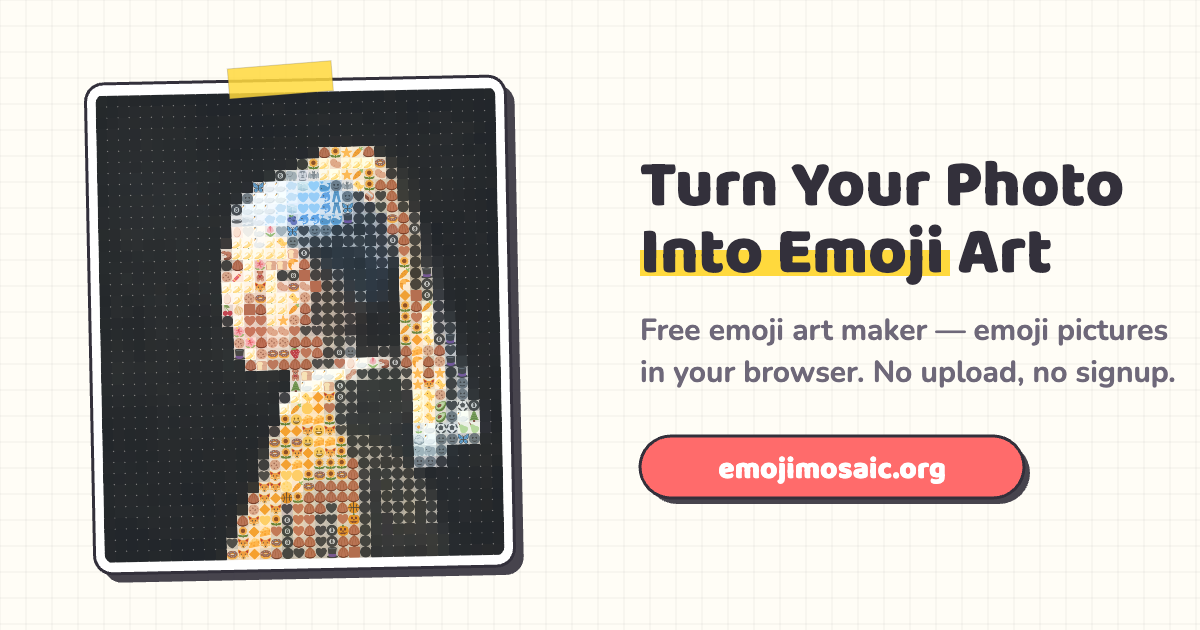
Emoji art (also called an emoji mosaic) rebuilds a photo out of hundreds of small emojis. Here is how to make one from any picture in about a minute — free, with no signup, entirely in your browser.
What you'll need
Just two things: a photo and a web browser. There is no app to install and no account to create. Your photo is processed on your own device and never uploaded to a server, so it stays private.
Step by step
-
Pick the right photo
The pictures that turn out best have strong contrast and one clear subject that fills the frame — a face, a pet, or a logo. Busy backgrounds and low contrast get muddy once they are broken into emoji-sized tiles.
-
Open the emoji art maker
Go to the maker and drag your photo onto the page, or click to choose one. It loads locally and instantly — nothing is sent anywhere.
-
Set the detail
The Detail slider decides how many emojis make up the picture. Slide it up for more, smaller emojis (closer to the original photo) or down for a chunkier, more obviously "emoji" look. Portraits usually want more detail; bold logos can go lower.
-
Choose a style and background
Style runs from Emoji-pure (every emoji stays crisp and readable) to Photo-match (tuned to look as close to your photo as possible), with Balanced in between. Switch the background to dark when your subject is bright, or light when it is dark — it changes the whole feel.
-
Download your emoji mosaic
Hit Download PNG to save your emoji art as a clean image with no watermark. Post it, print it, or set it as a profile picture.
Tips for the best emoji mosaic
Crop in tight. Fill the frame with the subject before you upload — a face that takes up most of the photo reads far better than a tiny figure in a wide shot.
Chase contrast. Bright subject on a plain background is the sweet spot. If your photo is flat, the mosaic will be flat too.
Do the squint test. Step back from the screen or squint your eyes. If you can still recognize the subject, it will read for everyone else too. If not, raise the Detail slider or switch Style toward Photo-match.
Try dark mode. Portraits and neon-bright images often pop harder on a dark background — flip it and compare.
What can you make?
Profile pictures, gifts, social posts, Discord and Twitch art, party decor and more. See 15 emoji art ideas for inspiration, then bring your own photo.
Quick questions
Is it free?
Yes — completely free, no signup, no watermark, and no limit on how many you make.
Do my photos get uploaded?
No. Everything runs in your browser with the HTML5 canvas. Your photo never leaves your device.
What image formats work?
Any format your browser can open — JPG, PNG, WebP and GIF all work, including photos from your phone.